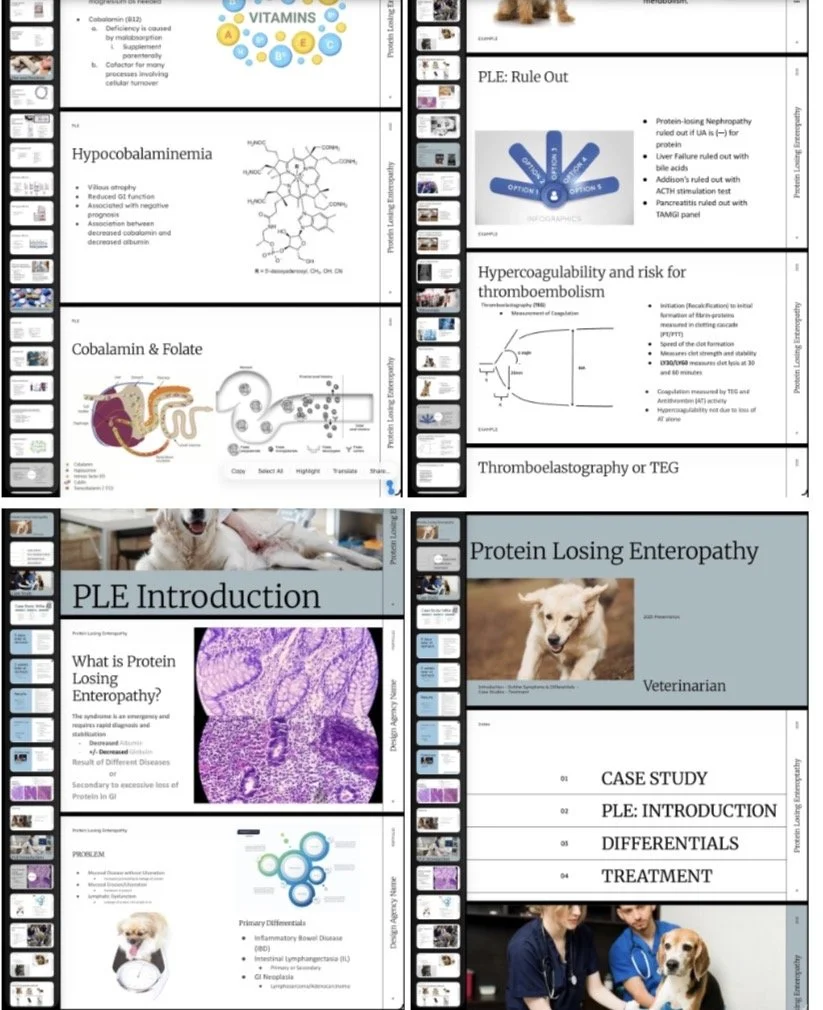
Veterinary PowerPoint Design
Veterinary Presentation Design — Overview
Veterinary presentation design transforms complex clinical and scientific information into clear, structured, and visually effective slide decks for education, case review, and client communication.
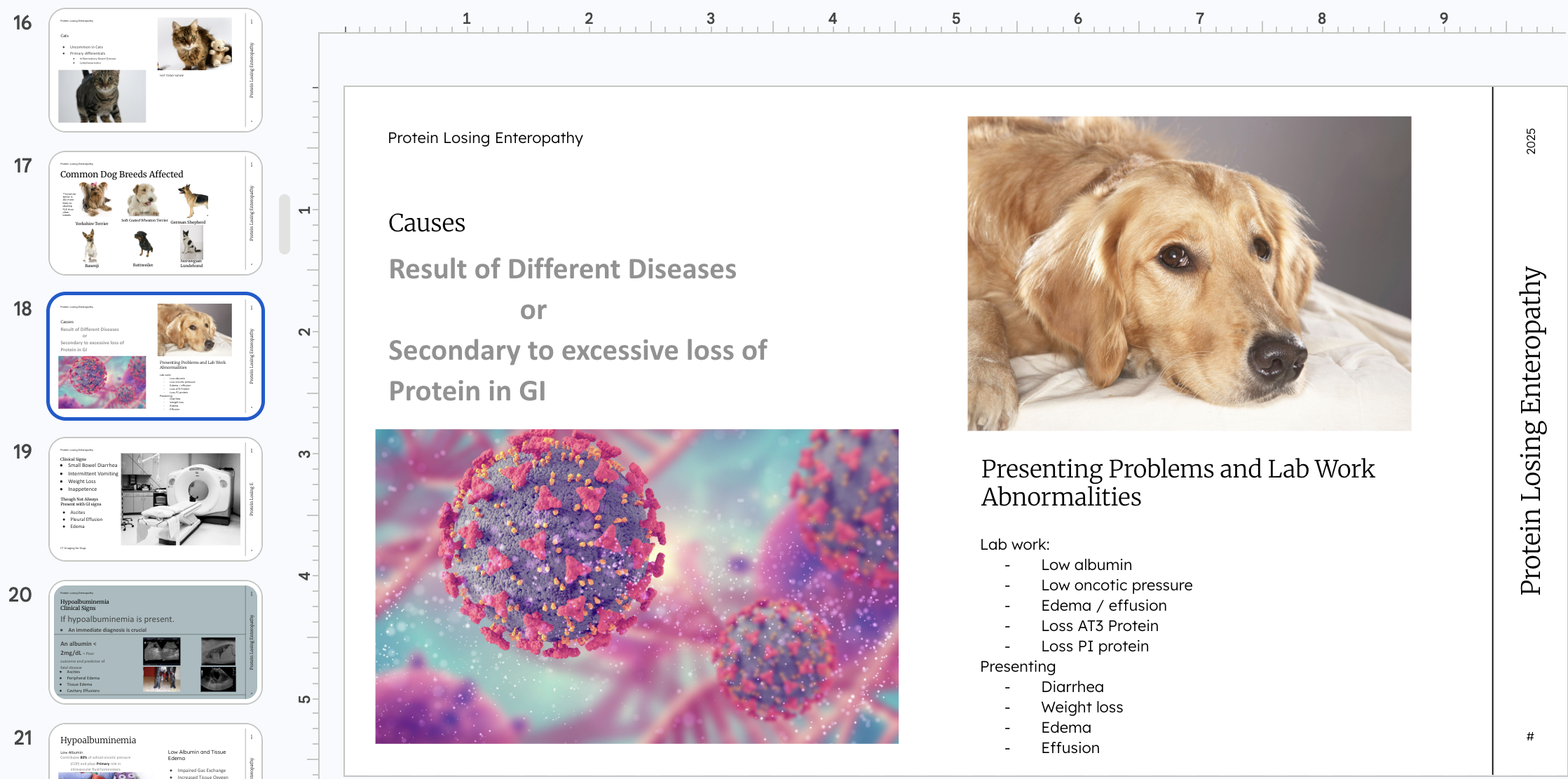
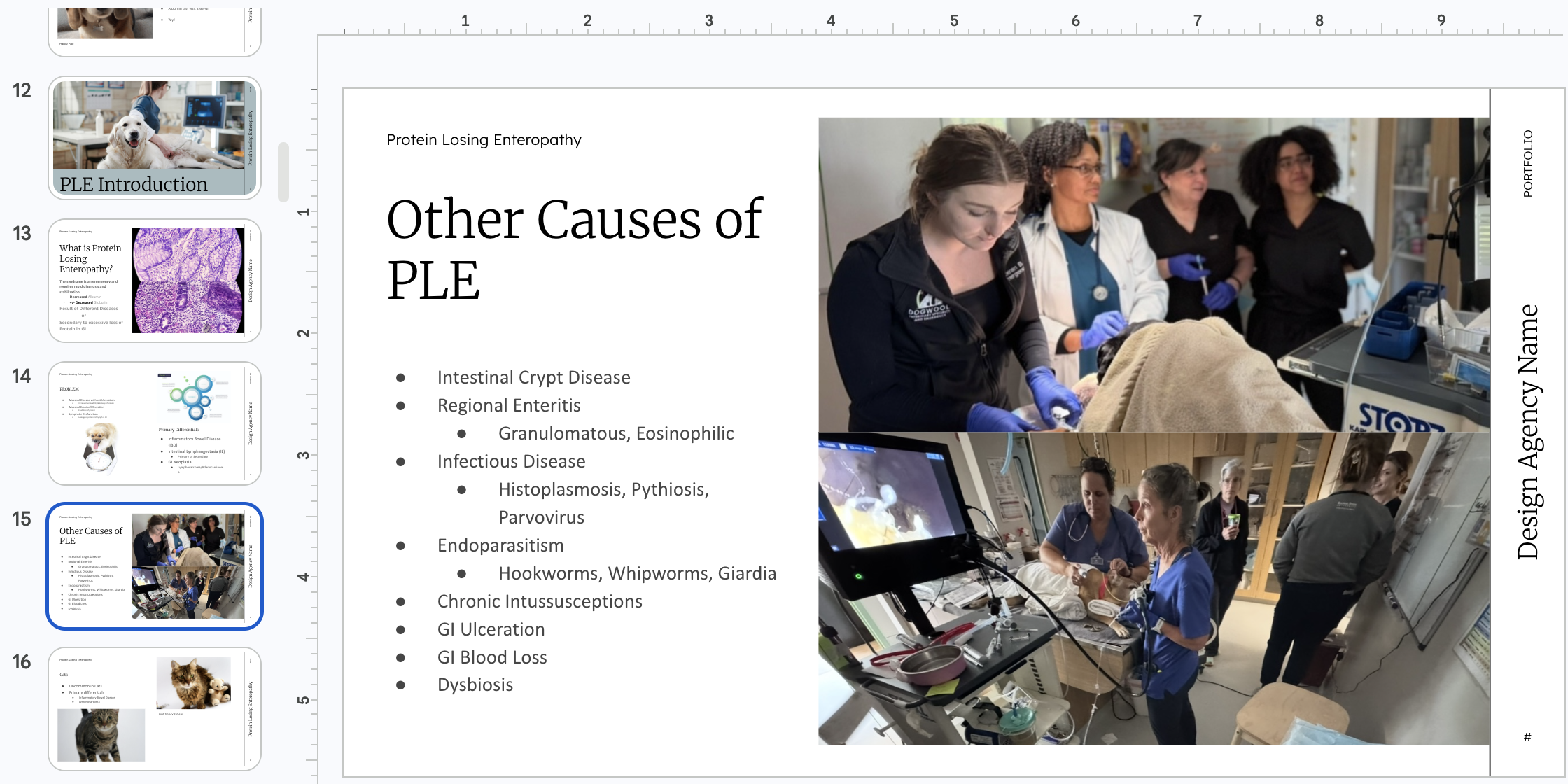
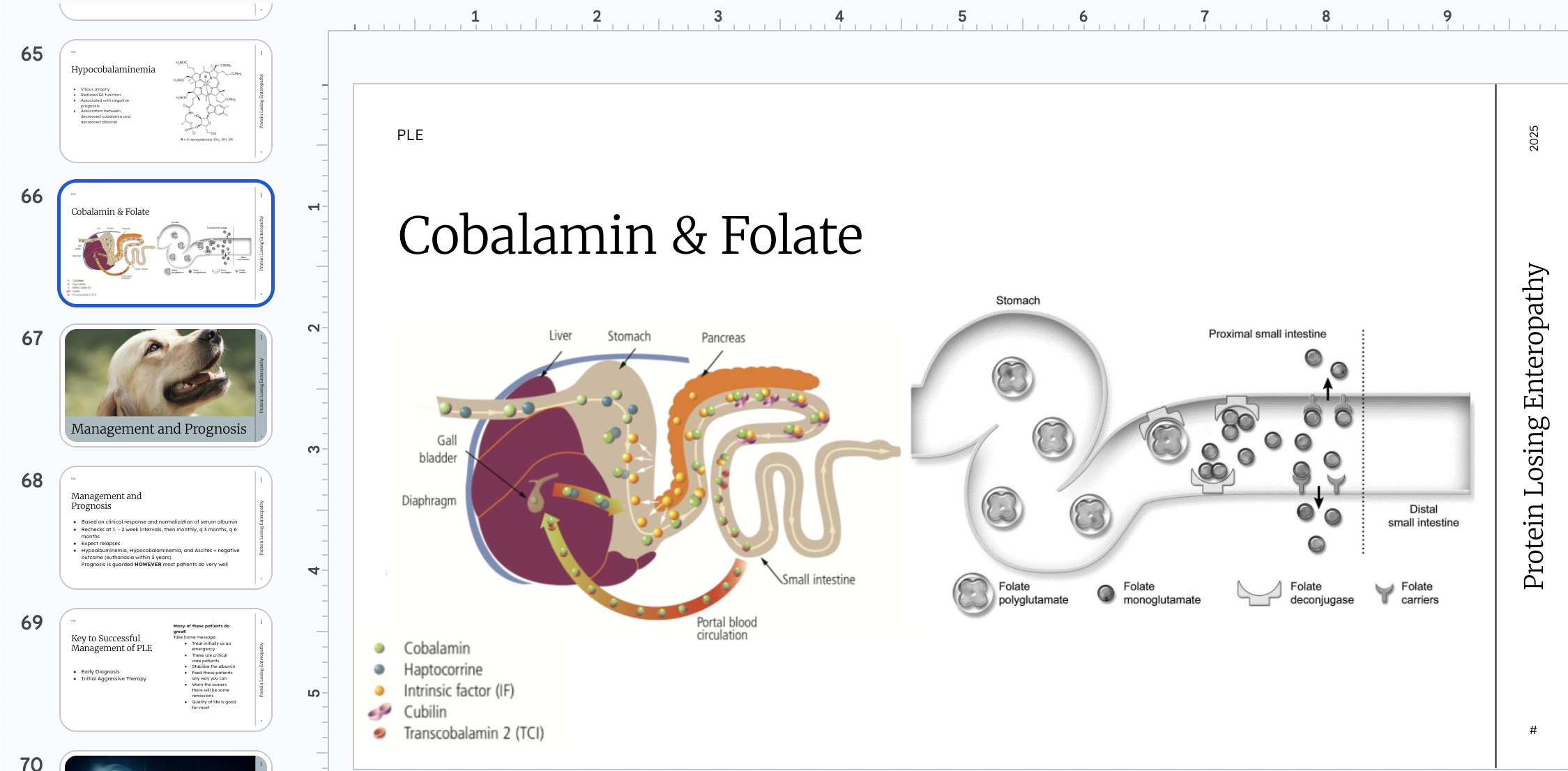
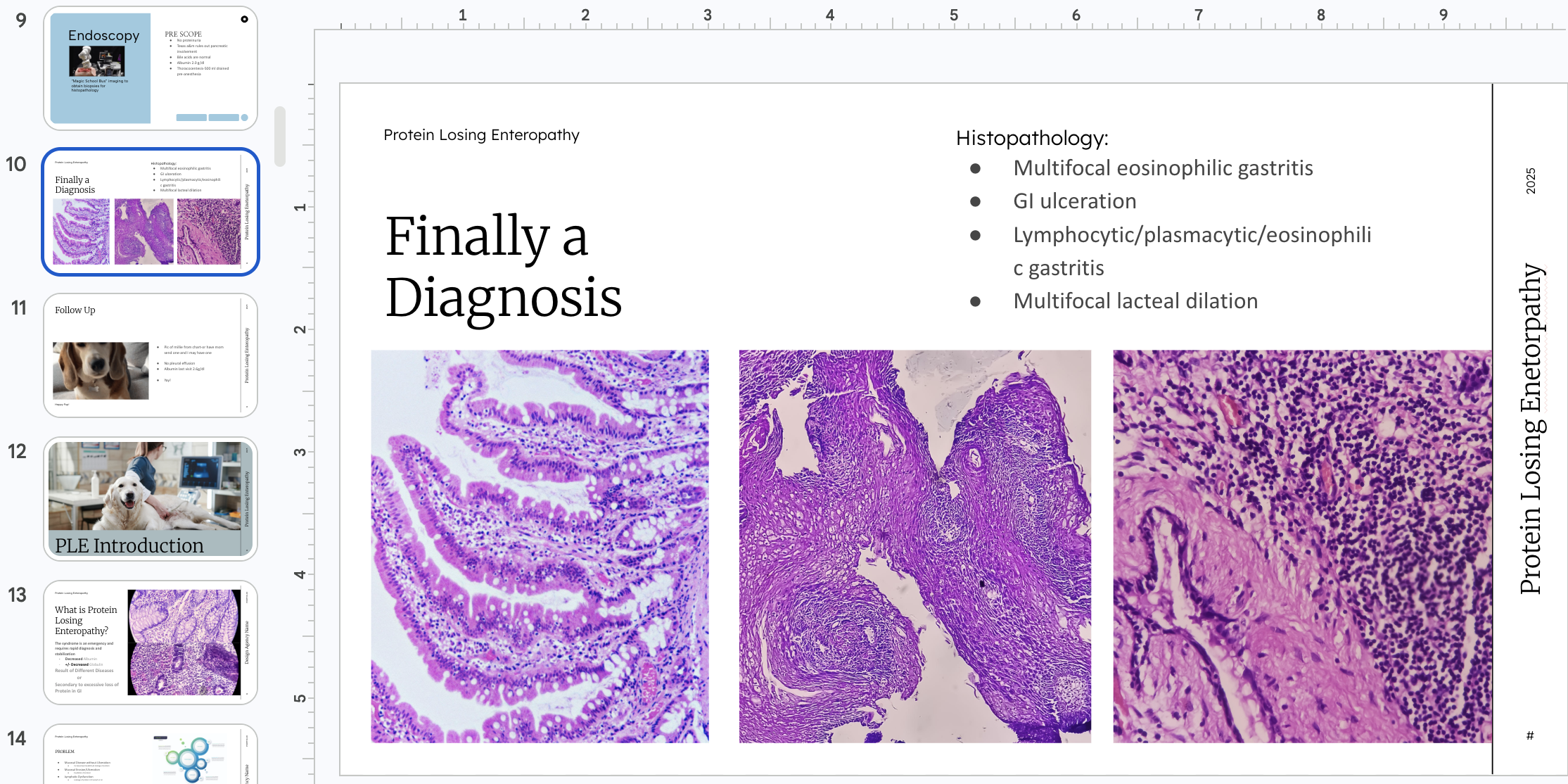
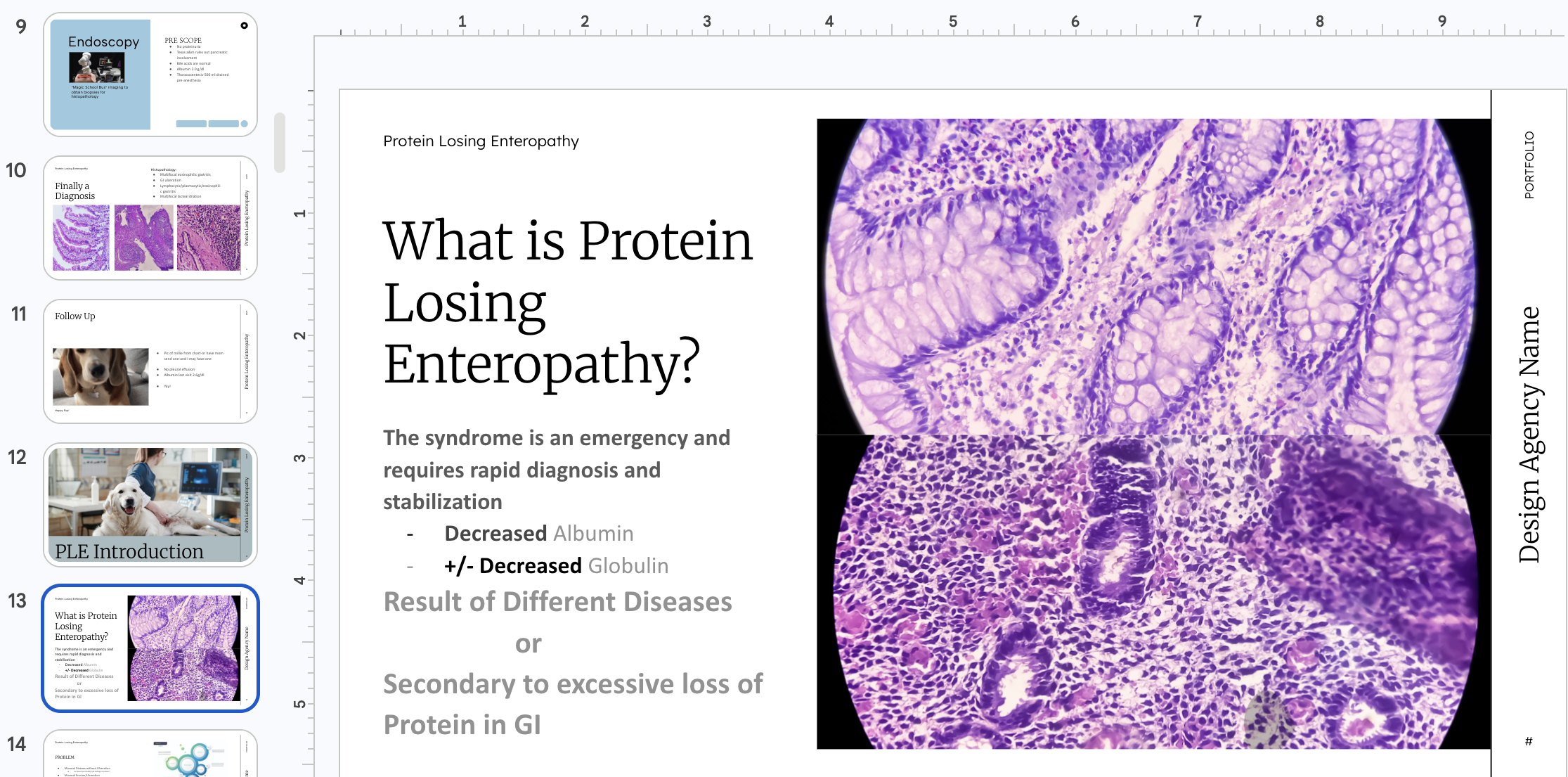
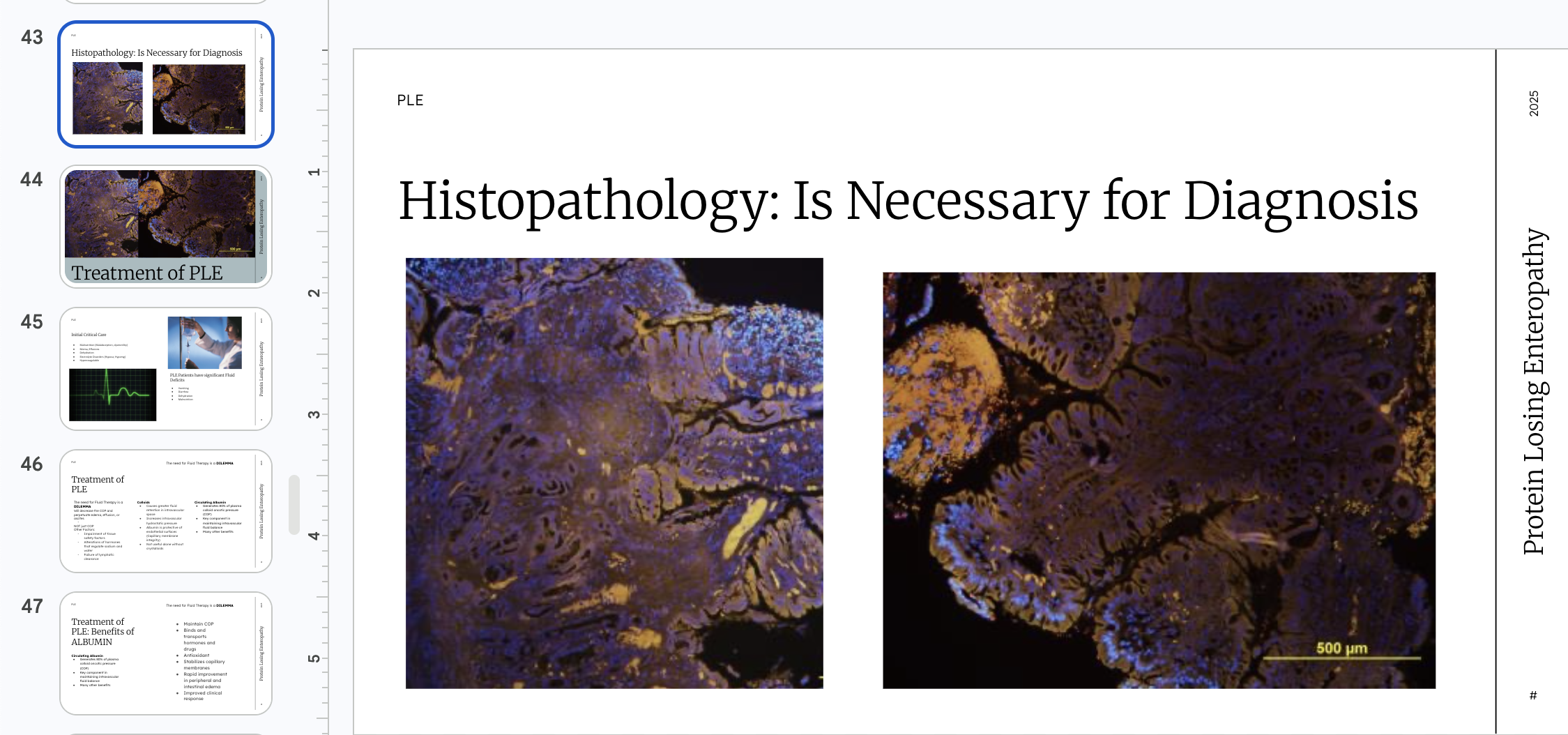
Presentation Design ProcessVeterinary Presentation Design Outline (PowerPoint / Slide Decks)
1. Purpose Definition & Audience Targeting
Goal: Define what the presentation is meant to accomplish and who it serves.
Identify presentation type:
Clinical case presentation
Veterinary education lecture
Client education session
Research or conference presentation
Define audience:
Veterinarians
Veterinary technicians
Students
Pet owners (non-clinical audience)
Establish communication goal:
Inform, teach, persuade, or document
Output: Clear presentation objective + audience profile
2. Content Gathering & Scientific Structuring
Goal: Collect accurate veterinary content and organize it logically.
Compile clinical data:
Patient history, diagnostics, lab results
Imaging (X-rays, ultrasound, CT, MRI)
Treatment plans and outcomes
Gather supporting references:
Veterinary textbooks and journal articles
Organize information into story flow:
Introduction → problem → diagnosis → treatment → outcome
Simplify complex medical language when needed for client-facing decks
Output: Structured content outline
3. Narrative & Slide Flow Planning
Goal: Build a logical and engaging progression of information.
Establish narrative arc:
Case background or scientific problem
Key findings or diagnosis
Intervention or treatment
Results and interpretation
Break into slide sections:
Title slides
Section dividers
Data explanation slides
Summary/conclusion
Prioritize clarity over volume of information per slide
Output: Slide-by-slide content map
4. Information Hierarchy & Slide Structuring
Goal: Ensure each slide communicates one clear idea.
Apply “one message per slide” principle
Organize content using hierarchy:
Headline (key takeaway)
Supporting visuals or data
Minimal explanatory text
Use progressive disclosure for complex topics
Separate clinical data from interpretation
Output: Structured slide layouts (wireframe stage)
5. Visual Design System Development
Goal: Create a consistent and professional veterinary visual language.
Typography:
Clean, readable sans-serif fonts for clinical clarity
Color system:
Clinical neutrals + system-based colors (e.g., red = urgency, blue = diagnostics)
Iconography:
Veterinary-specific icons (syringe, stethoscope, microscope, organ systems)
Consistency:
Uniform spacing, alignment, and grid structure across slides
Output: Presentation design system guide
6. Data Visualization & Medical Graphics
Goal: Translate veterinary data into clear visual formats.
Use charts for:
Lab results (CBC, chemistry panels)
Treatment progress over time
Case outcome comparisons
Integrate medical imagery:
Radiographs with annotations
Pathology slides or histology images
Simplify complex datasets into digestible visuals
Output: Visualized clinical data slides
7. Slide Composition & Layout Design
Goal: Design visually balanced and readable slides.
Use grid-based layouts for alignment
Balance text and visuals (avoid overcrowding)
Emphasize key findings using:
Callouts
Highlight boxes
Zoomed-in image sections
Maintain consistent margins and spacing
Output: High-fidelity slide designs
8. Medical Accuracy & Review
Goal: Ensure content is scientifically and clinically correct.
Review with veterinary professionals
Verify:
Medical terminology accuracy
Diagnostic interpretations
Image labeling correctness
Adjust content based on clinical feedback
Output: Validated presentation content
9. Refinement & Presentation Optimization
Goal: Improve clarity, pacing, and audience engagement.
Reduce text density per slide
Improve transitions between complex topics
Strengthen visual storytelling
Ensure readability in live presentation settings
Add speaker notes for additional context (if needed)
Output: Final polished slide deck
10. Delivery Preparation & Formatting
Goal: Prepare presentation for real-world use.
Export formats:
PowerPoint (.pptx)
PDF for distribution
Test presentation flow:
Timing and pacing
Slide readability on different screens
Ensure compatibility for hospital systems or conference requirements
Output: Presentation-ready file
11. Post-Presentation Evaluation (Optional but Valuable)
Goal: Improve future presentations based on feedback.
Gather audience feedback:
Clarity of information
Visual effectiveness
Engagement level
Identify improvement areas:
Overly complex slides
Missing data clarity
Update template system for future reuse
Output: Refined presentation